On this page
Broadband installation booked for next week. First video call booked for tomorrow.
You can work from home during the gap, but the useful question is not simply whether a webpage loads. Your temporary setup needs to handle the actual working day: calls, company systems, file transfers and the occasional meeting that absolutely cannot freeze on the important sentence.
If the provider has missed an activation date it confirmed in writing, our broadband compensation calculator can estimate the automatic compensation that may apply before you plan the temporary WiFi gap.
Build a work plan before choosing the connection
List what must work, not everything you might do online.
For most remote workers, the essentials are:
- email and team messaging;
- video or voice meetings;
- access to cloud documents;
- a company VPN or remote desktop;
- uploads to shared storage; and
- multi-factor authentication on a phone.
Ask your employer or IT team whether any of these tools have special network requirements. Some remote-access systems may behave differently over mobile internet, particularly when they expect a fixed public IP, incoming connections or port forwarding.
Tell your manager that broadband installation is pending and explain the backup you have arranged. A clear plan is more reassuring than waiting for the connection to fail during a client call.
Match the temporary option to the working day
Phone hotspot for light or occasional work
A hotspot can be enough for email, browser-based documents and a short call. Check the phone's data allowance, keep it on charge and remember that taking the phone out of the room may also take the laptop offline.
It becomes less convenient when the gap lasts several days, the phone is needed for calls and authentication, or other people also need the connection.
Dedicated Home Router for a regular workspace
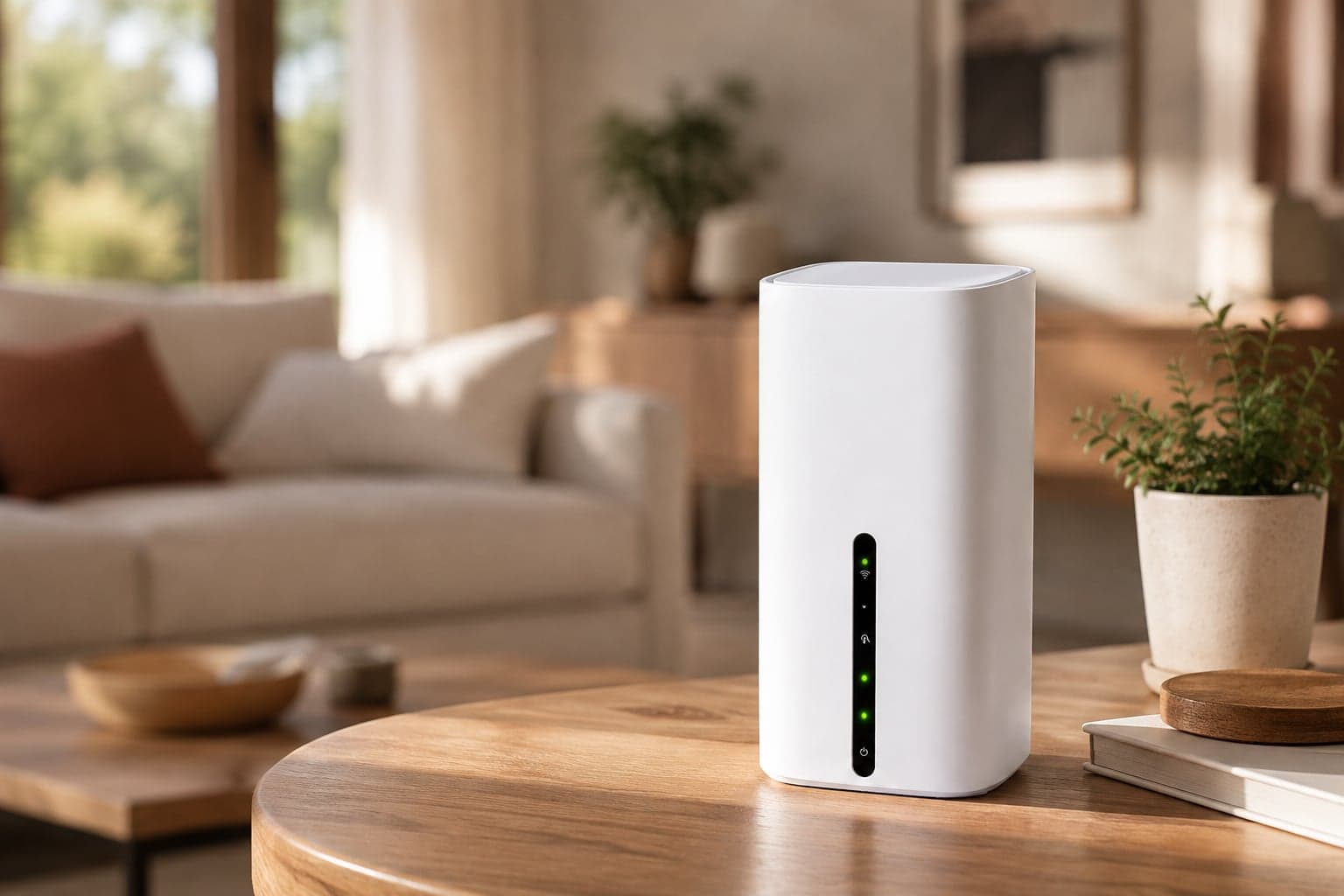
A mobile Home Router creates a separate WiFi network for the work area using 4G or 5G. It stays in the home rather than following one person's phone, which makes it easier to connect a laptop, work phone and other approved devices throughout the day.
The FlexiWiFi 5G Home Router's centrally verified specifications include two Gigabit Ethernet ports, which can help if a work device supports a wired connection. The internet side still uses the mobile network, so performance depends on local coverage and demand.
A coworking space for critical sessions
An office, coworking space or trusted family connection can be the right fallback for a presentation, large upload or task that the temporary home connection has not handled well in testing. Check access, privacy and opening hours in advance rather than searching for somewhere during the meeting.
Test the tools that can stop the working day
Do a rehearsal before you depend on the connection.
Join a real video call
Use the same laptop, meeting app, camera and headset you use for work. Check that other people can hear you clearly and that the call remains usable for more than a minute. If two people will work from home, test simultaneous calls.
Connect to the company VPN
Sign in, open an ordinary work file and leave the connection running long enough to notice repeated dropouts. If the VPN will not connect, speak to IT rather than disabling company security controls.
Upload and download a normal file
A speed test does not show how every business system will behave. Move a realistic non-sensitive test file through the approved service and check that cloud changes sync correctly.
Check wired equipment
If the laptop, desk phone or approved hub uses Ethernet, confirm that the temporary router has the required port and that your employer allows the setup. Do not buy adapters based on assumptions about the device.
Give work traffic priority
During working hours, keep the temporary network focused on work.
- Pause console, television and operating-system downloads.
- Schedule cloud photo backups for later.
- Disconnect unused smart devices if they are creating traffic.
- Close meeting apps on devices that do not need them.
- Use audio-only calls when video is unnecessary and the connection is struggling.
Place the router in an open, well-ventilated position and test a few locations. Ofcom's mobile coverage checker can help compare predicted 4G and 5G coverage, but Ofcom notes that buildings, local obstacles and network loading can make real performance different from the prediction.
Keep work secure on temporary internet
Use the temporary WiFi as you would any other internet connection supplied outside the office:
- change only settings covered by the device instructions;
- use the supplied or approved WiFi security and a strong password;
- follow the employer's device and VPN policies;
- keep work software updated; and
- do not share the work network password more widely than necessary.
Be cautious with public WiFi. The National Cyber Security Centre's guidance on connecting securely advises using a VPN for work systems on public WiFi. Your organisation's own rules take priority, and some managed VPNs cannot complete sign-in through public-network login pages without extra steps.
Prepare for the connection to wobble
Mobile internet can vary during the day. Build a small failure plan before an important meeting:
- Keep your phone charged on a different network if possible.
- Save dial-in details for meetings that provide them.
- Know the nearest approved alternative workspace.
- Keep local copies of non-sensitive files you are allowed to store offline.
- Tell a colleague how to reach you if the meeting drops.
This is not pessimism. It is the remote-work equivalent of checking the microphone before everyone joins.
If the installation date moves again
Keep the fixed broadband appointment and ask the provider what is outstanding. If the property is a new build, the delay may involve address registration or network work, which is covered in the guide to internet before new-build broadband installation.
Choose temporary home broadband without a fixed end date. No contract. Rent it for as long as you need it. Extend under the current terms if the engineer date slips, or send it back when the fixed line has been tested and is ready for the working day.
The current delivery and returns information explains how FlexiWiFi rentals arrive and go back. For broader remote-working situations beyond an installation wait, see WiFi hire for remote working.
Make tomorrow's workday boring again
A good temporary setup should fade into the background. Choose the connection around your actual work tools, test the difficult parts and keep a second option for the meeting you cannot move.
The broadband engineer can take care of the permanent line. Until then, your job is simpler: make sure the laptop, calls and company access work before nine o'clock.
Useful to know
Frequently asked questions
Need help?
Our UK support team is here seven days a week, 9am to 5pm.