On this page
Broadband is one of the easiest moving jobs to leave too late. The van is booked and the boxes are packed, then you find out the new connection will not be live for another two weeks.
This guide covers when to order broadband for a new house, how the setup works, and how to get online on moving day if the permanent connection is not ready yet.
If your provider misses a start date it confirmed, you may be owed money. Check with our broadband compensation calculator.
When to order broadband for a new house
Contact your provider as soon as your moving date is fixed. You do not need to wait for completion to start the conversation.
Providers commonly ask for around two weeks' notice to move a service. BT, for example, asks for two weeks' notice for a home move, although shorter notice is sometimes possible. It can take longer if:
- an engineer needs to visit the new property;
- the property needs new equipment or a new connection;
- you are switching to a provider on a different network; or
- the home is a new build where the line has not been connected yet.
Ofcom's moving-home advice recommends checking what is available at the new address and arranging the start date in time for your move. If you are leaving your current provider, check whether you are still in contract, because early exit charges or a notice period may apply.
How to set up internet in a new house
Setting up broadband when you move follows the same few steps whichever provider you use.
- Check what is available at the new address. A provider's postcode checker, or Ofcom's broadband and mobile checker, shows the speeds and networks you can expect.
- Decide whether to move your current service or start a new one. Ask your provider if it can move your existing contract to the new address.
- Get a confirmed activation date. Ask whether an engineer needs access and what time slot to keep free.
- Sort out the old router. Follow your provider's instructions on whether to take it with you or send it back.
- Plan for the gap. Compare the activation date with your moving date. If there is a gap, arrange temporary internet now rather than on moving day.
Do not assume the old router will work just because you plug it in at the new house. The box is only one part of the connection. The broadband order must also be active at the new address.
Plan around three dates
Write down three dates and the gap usually becomes obvious:
- the last day of broadband at your current address;
- the day you get the keys to the new home; and
- the day the new broadband is due to start.
If the new service starts on or before the day you move in, you may not need anything else. If it starts later, that gap is what temporary internet needs to cover. Remember that start dates can slip, so leave yourself some room.
If the property is a new build and the line itself is not ready, see our guide to getting internet in a new build before broadband is installed.
If broadband will not be ready on moving day
You have three realistic options, depending on how long the gap is and how many people need to get online.
5G home router
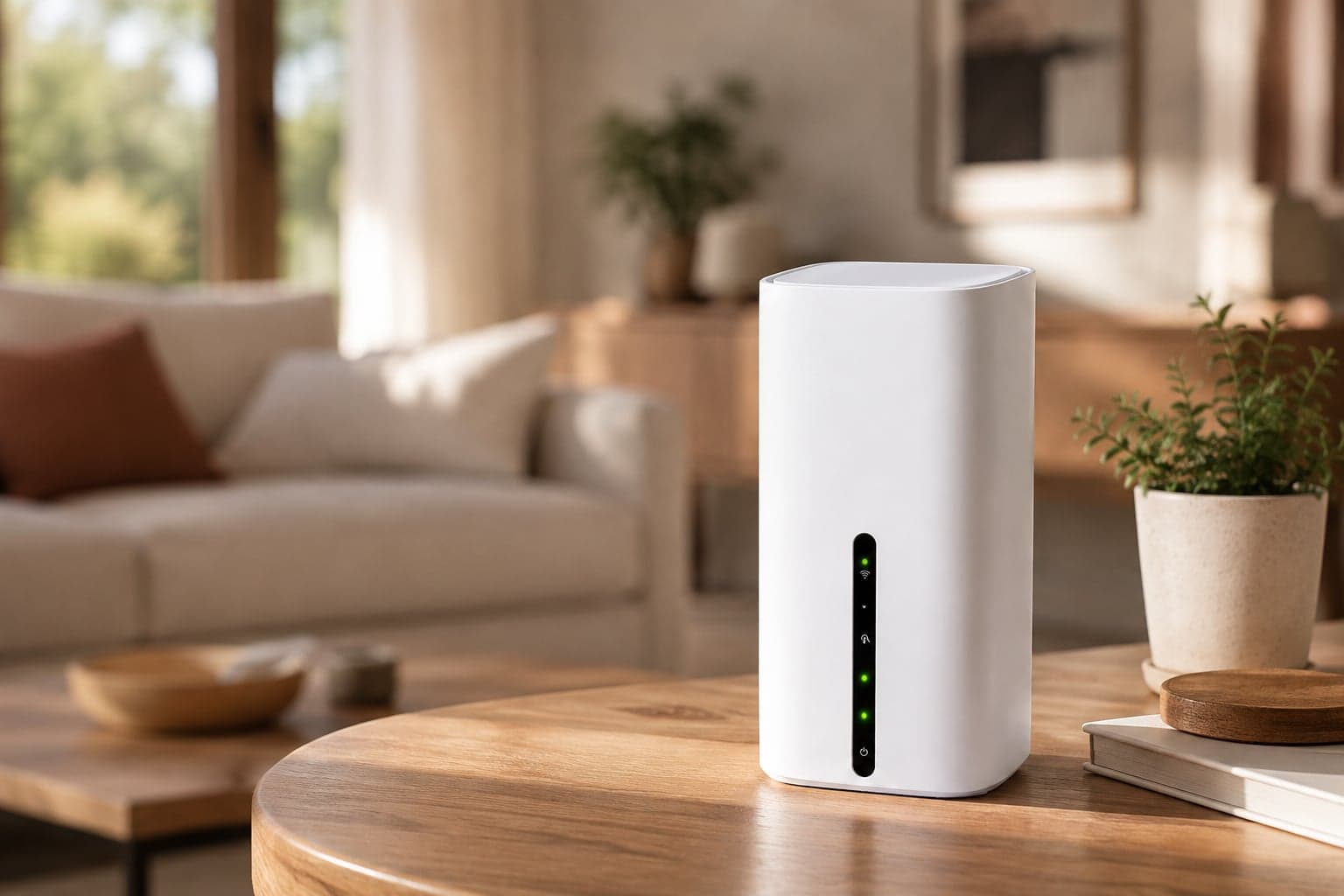
Best when the household is living in the new home and needs proper WiFi for days or weeks. It plugs into a normal socket, works over the 5G and 4G mobile network, and connects the whole household at once. There is no engineer visit and no phone line to wait for.
This is what most people moving house rent from us. Have it delivered to the new address before you move in, so the WiFi is on from the first evening.
Pocket WiFi
Best when you need internet in more than one place, such as the old house, a hotel or family's place for a few nights, then the new home. It is small enough to carry with you, though it suits lighter use than a home router.
Phone hotspot
Fine for a few hours on moving day for messages, maps and banking. It drains your phone's battery and data quickly, so it is not a good fit for a household or for working from home.
Check the signal at the new address
Any mobile option is only as good as the signal where you use it. Check the new address on Ofcom's mobile coverage checker before you book.
If you can visit before the move, test your phone's signal in a few rooms. Indoor signal can vary from room to room, so the best spot for a router is often near a window rather than in a cupboard.
Let the rental follow the real move
Completion dates slip. Engineer appointments move. Sometimes the keys arrive early, which is the one moving surprise nobody minds.
Temporary internet should adapt instead of becoming another commitment. No contract. Rent it for as long as you need it. Extend if your broadband is delayed, or send it back when you're done.
Our moving house WiFi page shows how to get a 5G home router delivered to your door at the new address, ready for moving day.
Useful to know
Frequently asked questions
Need help?
Our UK support team is here seven days a week, 9am to 5pm.