On this page
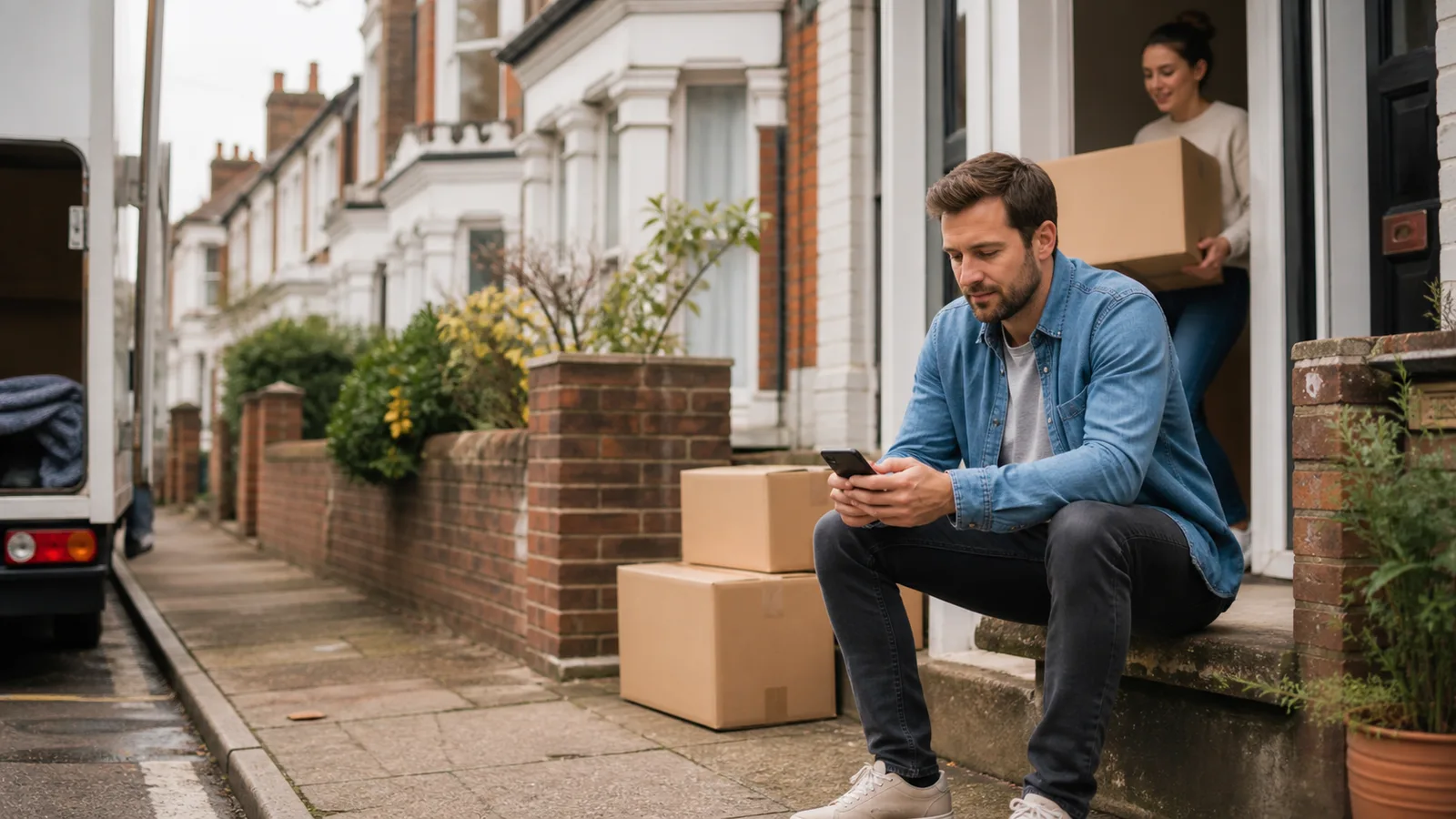
The keys are in your hand. The boxes are in every room. The broadband activation date, unfortunately, is somewhere in the future.
You do not need to leave your new home offline while the fixed connection catches up. A phone hotspot can cover a very short wait, while a temporary 4G or 5G Home Router can give several people and devices a shared WiFi connection.
Need a connection for the household while you wait? See Home Router rental prices, including delivery and the refundable deposit, or choose your rental dates. We check mobile coverage before dispatch. If you want it delivered somewhere else, tell us the address where you will use it.
When a provider has missed the activation date it confirmed in writing, use our broadband compensation calculator for an estimate based on current Ofcom scheme rates.
First, find out what is holding up the broadband
A new home can be fitted with broadband equipment without having an active service. The developer or network operator may have installed the physical connection, but you still need to place an order with a broadband provider and wait for activation. In other cases, the address may not yet appear correctly in provider systems or more work may be needed on the development.
Ask the developer or sales team:
- which broadband network serves the development;
- whether your exact address has been registered and handed over to that network;
- whether the home has a broadband socket or an Optical Network Terminal, often called an ONT, already installed; and
- whether there is a known issue affecting your plot, building or phase.
Then ask your chosen broadband provider whether the order has been accepted, whether an engineer visit is needed and what is still outstanding. Openreach's moving-home guidance recommends arranging broadband early, and its new-build broadband help covers checks for homes connected through its network.
Keep the fixed broadband order in place while you arrange a temporary connection. The aim is to bridge the gap, not to restart the installation queue.
Your temporary internet options
The best option depends on the length of the delay, the mobile signal and what your household needs to do online.
Use your phone as a hotspot
Your phone can share its mobile data connection with a laptop or tablet. This is the quickest answer when one person needs to check emails, browse or handle a few moving-day jobs.
Check your mobile data allowance first. Video calls, streaming, cloud backups and device updates can use data quickly. Hotspot use can also drain the phone battery, and keeping several devices connected throughout the day may become awkward.
For one light user and a short wait, start here. You may not need to rent or buy anything else.
Use a mobile broadband dongle or Pocket WiFi
A dongle connects one compatible laptop to a mobile network. A Pocket WiFi device creates a small wireless network for a handful of devices and is easy to move around.
Both can suit one person or a temporary workspace. They are less convenient when the whole household wants to connect phones, laptops, a television and other home devices at the same time.
Use a temporary 4G or 5G Home Router
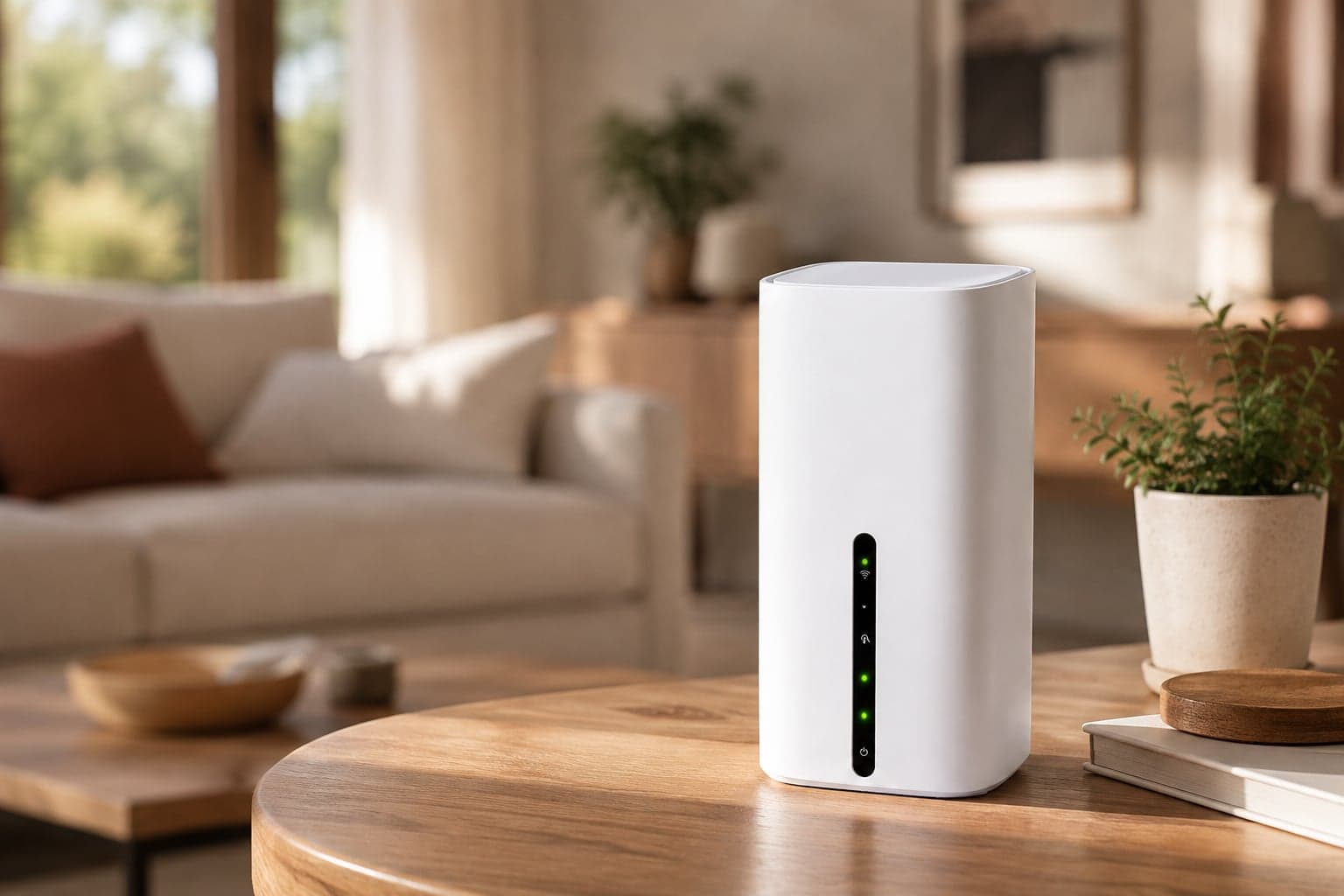
A mobile Home Router uses a SIM and the mobile network rather than a fixed line. Plug it into the mains, follow the setup instructions and connect your devices to its WiFi network. There is no fixed broadband installation or engineer visit for the router itself.
This is usually the stronger fit when several people need internet, you work from home or the broadband date is uncertain. It gives the house one shared network, so you are not relying on a phone to act as the household router all day.
Mobile performance still depends on the network signal, local demand and the property. It is not a guaranteed replacement for the speed or behaviour of your future fixed broadband service.
Use a library, workspace or trusted connection
Public WiFi can help with a particular task or an important meeting, especially if the mobile signal at home is weak. It is rarely a comfortable whole-home answer, and you should be careful with sensitive work on a network you do not control.
Check coverage before choosing a mobile option
Do not assume that the network which works at your old address will be best at the new one. New postcodes can cover several plots, and indoor signal can differ from the signal outside.
Use Ofcom's mobile coverage checker to compare predicted 4G and 5G coverage from the main UK networks. Search for the exact new address where possible. A coverage result is a useful guide, not a promise of a particular speed inside every room.
If you can visit before moving day, test the signal on a phone using the relevant network. Try more than one room and check it at the time of day when you are most likely to work or stream.
When a temporary Home Router makes sense
A Home Router is worth considering when:
- more than one person needs to get online;
- you need a connection throughout the working day;
- laptops, phones, tablets or a smart television need to share the same WiFi;
- the installation date may move again; or
- tethering is using too much phone data or battery.
It may be more than you need if one person only wants to browse for an afternoon. Choose the lightest option that comfortably covers the gap.
Set up temporary WiFi in the new house
Once the router arrives, a few small checks can make the connection easier to live with:
- Put it in an open position, away from the floor and thick internal walls.
- Try it near a window, then compare a few positions rather than assuming the first is best.
- Run a real-world test with the laptop, call app or streaming service you plan to use.
- Connect essential devices first. Some televisions, consoles and smart-home products may start large updates as soon as they get online.
- Keep the router switched on and ventilated according to its instructions.
Mobile internet can behave differently from a fixed line. Some online games, remote-access tools and services that need port forwarding may not work in the same way. If one of those is essential, check compatibility with the supplier before ordering.
What to check before ordering
Before paying for any temporary internet service, confirm:
- the expected delivery date;
- which mobile network the service uses and its predicted coverage;
- the data allowance and any fair-use terms;
- how many devices the router can support;
- the minimum hire or contract period;
- what happens if you need to extend; and
- how to return or cancel the service if broadband arrives early.
Prices and policies change, so use the supplier's current product and terms pages rather than an old comparison article. FlexiWiFi's current delivery and returns information explains what to expect before you book.
Plan for a moving broadband date
An engineer date can move in either direction. Avoid taking a long mobile broadband contract simply to cover a short, uncertain gap unless the overall deal genuinely suits you.
A temporary internet rental can change when your installation date does. No contract. Rent it for as long as you need it. If the fixed line is delayed, extend the rental under the current terms. If broadband arrives early, send it back when you are done.
For more help planning the gap, see the moving-home WiFi options or compare the wider temporary broadband choices.
Get online without delaying the rest of the move
Start by confirming what is outstanding with the developer and broadband provider. Then match the temporary option to the number of people, devices and days you need to cover.
A phone hotspot is often enough for a light, short-term need. When the whole home needs to connect, a temporary Home Router can keep work, messages and everyday jobs moving while the fixed line catches up. Delivered to your door. Send it back when you're done.
Useful to know
Frequently asked questions
Need help?
Our UK support team is here seven days a week, 9am to 5pm.