

How can we help?
Set up your device, track an order, send it back or keep it longer. Or talk to a real person, 7 days a week.
Setting up your device
No phone line, no engineer, no installation. Four steps and you're online.
- 1
Keep the packaging
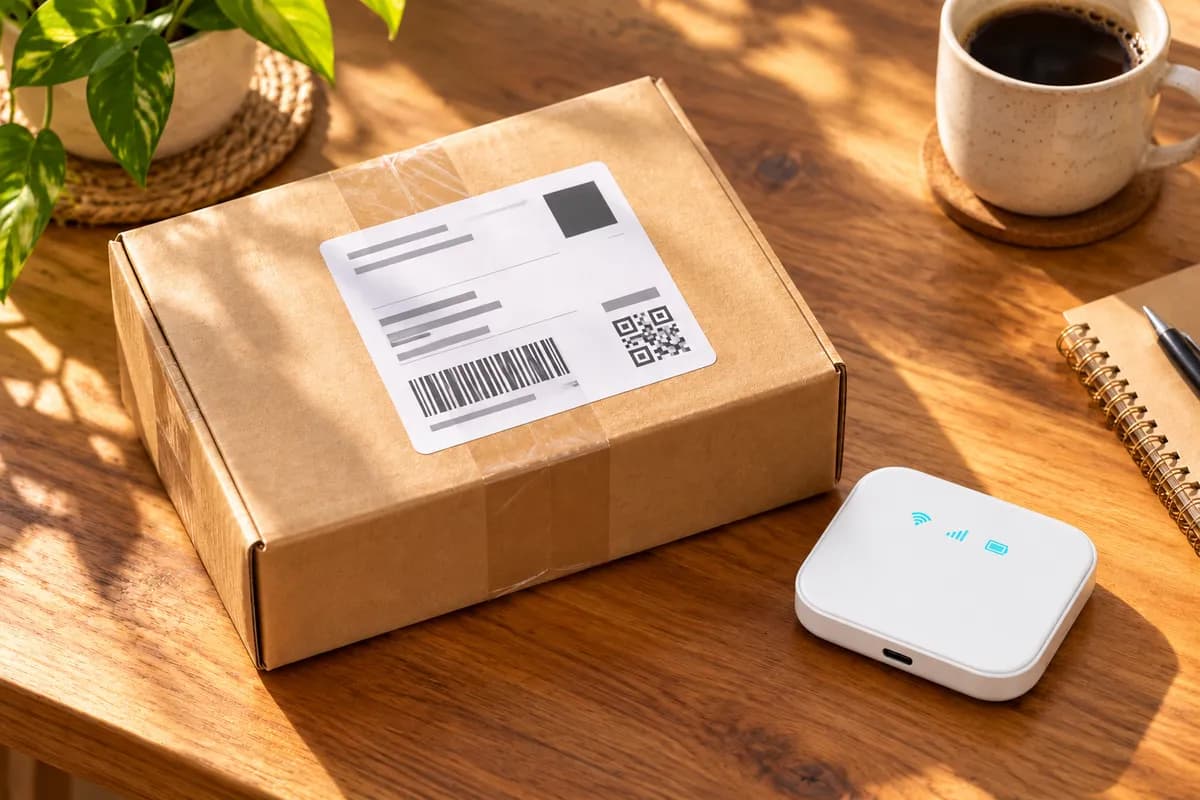
Please don't throw anything away. We ask that the device is returned in the original box with all accessories.
- 2
Switch it on
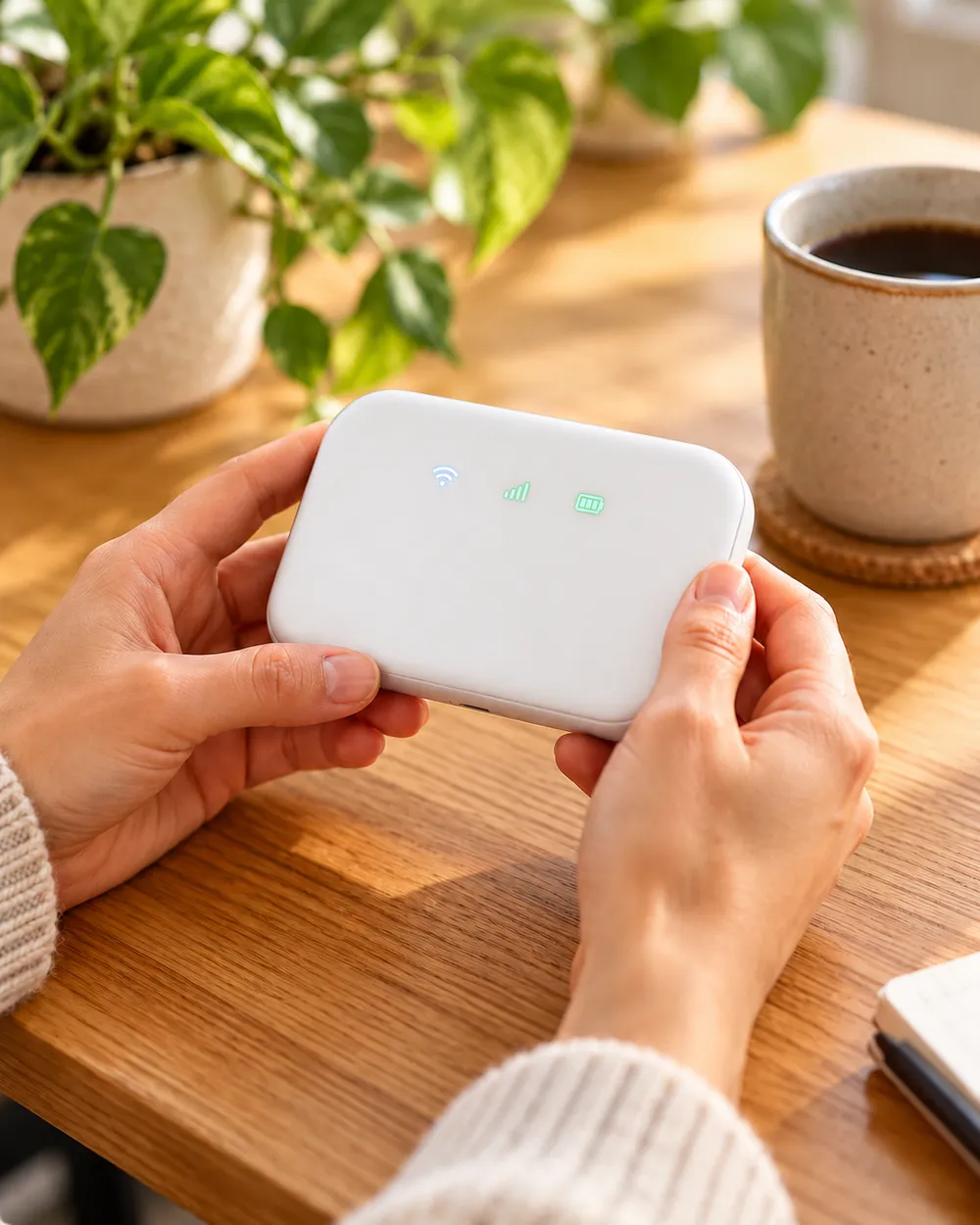
Plug the router in, or hold the power button on your Pocket WiFi. Give it up to 5 minutes to find the strongest network at your address.
- 3
Connect your devices
Find your WiFi name and password on the instructions in the box, next to a QR code you can scan to connect. Or pick that WiFi name on your phone or laptop and enter the password, just like any other WiFi network.
- 4
You're connected
That's it. Once connected, you can use the internet as normal.
Manage your rental
Everything about your booking in one place. Enter your details to find it.
Track your delivery and return
See where your device is, from dispatch to back with us.
Extend your rental
Add the days you need and we'll move your return date.
Return early
Send it back sooner and see where your refund is.
Technical support
Not working as it should?
- Not online after 5 minutes? Take the SIM card out and put it back in. It's on the bottom of the device under a white flap, and it needs to go back in facing the same way it came out. This fixes most problems.
- Slow? Your device uses the same mobile signal as your phone, and thick walls block it. Move it near a window and you'll usually get the fastest speeds.
- Please don't press the reset button on the bottom of the device. It wipes all the settings, and you won't be able to get back online without speaking to us first.
Still no luck? Message us and we'll look at the signal at your address.
Common questions
Before you book
Thinking about hiring? Here's what people ask first.
Still need a hand?
Real people, no call centre.
Monday to Sunday, 9am to 5pm
Policies
Need WiFi for an event? See our Event WiFi hire.