On this page
Router lights blinking, status page vague, repair date several days away?
Temporary WiFi can keep the household online, but the first job is to make sure the fault is registered. The backup connection gets you through the outage. It does not replace the need for your broadband provider to repair the fixed service.
If your provider takes longer than two full working days to fix a complete loss of service, our broadband compensation calculator can estimate the automatic compensation you may be owed. It also covers missed repair appointments.
Confirm that it is a broadband fault
Before arranging a backup, rule out a problem with one device or the WiFi inside your home.
Try these checks:
- See whether phones, laptops and any wired device have all lost internet access.
- Check the lights on the provider's router and note any unusual colour or pattern.
- Look at the provider's official service-status page or app using mobile data.
- Check cables for an obvious loose connection or damage.
- Restart the equipment once if that is part of the provider's instructions.
Avoid repeatedly rebooting the router while the provider is testing the line. Do not factory-reset it unless support specifically tells you to, because that may remove settings needed to reconnect.
Ofcom's broadband fault guidance explains how to separate equipment problems from wider network faults and what information to give the provider.
Report the outage and keep a record
Your contract is with the broadband provider, even when another company owns the physical network. Report the fault to the provider rather than trying to manage the network operator yourself.
Ask for:
- a fault or case reference;
- confirmation that a total loss of service has been recorded;
- the next repair update and how it will arrive;
- any engineer appointment details; and
- any temporary service the provider already offers.
Write down when the service stopped, when you reported it and any periods when it briefly returned. If the provider's status page does not list the fault, contact support anyway. It may not know about a problem affecting only your line or a small area.
Choose a backup for the likely repair time
The provider's estimate may change, but it still helps you choose a proportionate backup.
A short interruption
Use your phone hotspot for email, messages and urgent admin if the mobile signal and data allowance are suitable. Keep the phone charging and disconnect devices that do not need to be online.
Several days without service
Ask whether your provider can supply a backup device or extra mobile data. If it cannot, a temporary mobile router can give the household a separate WiFi network while the fixed line is repaired.
An uncertain or complicated repair
Road access, damaged cables or repeat engineer visits can make a repair date less predictable. Choose a backup that can be extended without forcing you into another long broadband contract.
Set up temporary WiFi without disrupting the repair
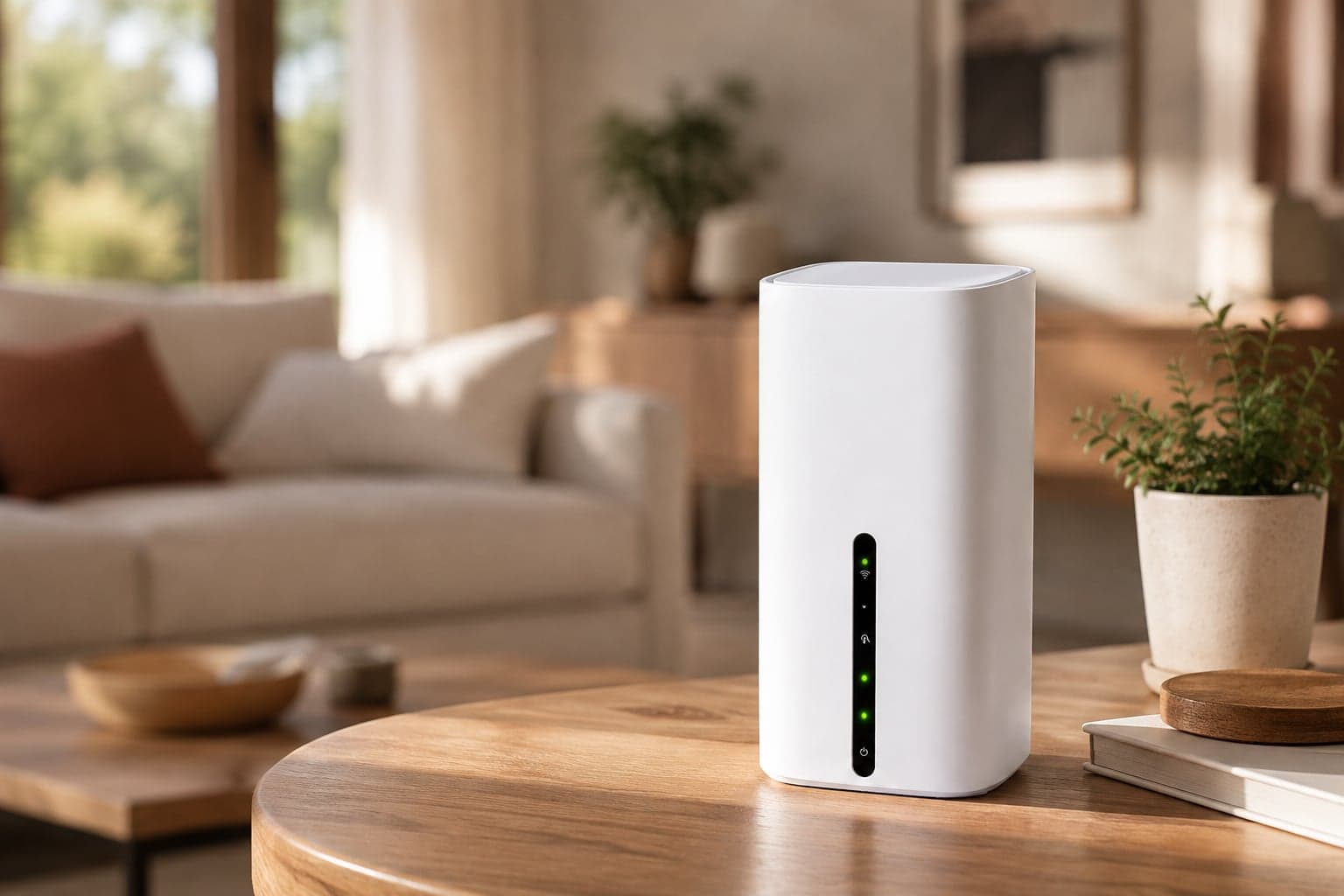
A mobile Home Router uses a mobile signal, so it can operate separately from the failed fixed line. Place it in an open position where it receives the best usable signal, often higher up or nearer a window. Check Ofcom's mobile coverage checker before choosing a mobile service, but remember that predicted coverage can differ from the signal inside your particular home.
Keep the original broadband router and line equipment available for remote tests or an engineer visit. Label the temporary WiFi clearly so the household knows which network to use.
Connect in this order:
- phones needed for provider updates;
- work or study devices;
- essential household equipment; and
- televisions, consoles and other high-use devices only if needed.
Pause large downloads and automatic cloud backups during the first test. This helps you see whether the temporary connection is stable before the whole house starts using it.
Know what temporary WiFi will not fix
A mobile backup can restore internet access, but it will not repair the fixed line or necessarily behave exactly like it.
Services that depend on the provider's landline, digital voice setup or fixed public IP may remain unavailable. Some online games, remote-access tools and systems that require port forwarding can also work differently on a mobile network. Check critical requirements with the temporary supplier before ordering.
If the outage affects a medical alarm, accessibility service or another safety-critical connection, tell the broadband provider immediately. Ofcom says fixed broadband and landline providers offer a priority fault repair service for eligible customers who depend on the service because of a disability and have an urgent need for repair.
Check whether automatic compensation applies
Some UK broadband providers participate in Ofcom's automatic compensation scheme. For a complete loss of service, the clock starts when you report the fault. The provider then has two full working days to fix it, and compensation builds for each calendar day it stays broken after that. A connection that is only slow or keeps dropping is not covered.
Our broadband compensation calculator works out the likely amount from the date you reported the fault, including any missed repair appointments.
Read Ofcom's current automatic compensation guidance for the participating providers, current payment rates, timing and exclusions. These details can change, so keep them out of a saved moving checklist and check the live page instead.
Compensation does not get the video call working this afternoon, but a clean fault record can prevent a second argument after the connection returns.
When the fixed broadband comes back
Do not dismantle the backup the moment one light turns green. Reconnect one device to the fixed broadband and test ordinary browsing, a call or stream, and any service that was failing before.
If the repair looks stable:
- move the remaining devices back to the fixed network;
- tell the provider promptly if the fault returns;
- keep the reference until any compensation is settled; and
- return the temporary router using the supplier's current process.
FlexiWiFi's temporary home broadband rentals are built for an end date that depends on the repair. No contract. Extend if the fault is still open, then send it back when you are done. The current delivery and returns process explains the practical steps.
Keep the outage from taking over the house
Register the fault, keep a record and choose the smallest backup that covers the repair window. A hotspot can handle a short, light interruption. A temporary Home Router can keep several people connected when the provider is talking in days rather than hours.
The fixed service still needs fixing. Temporary WiFi simply gives the household something useful while that happens.
Useful to know
Frequently asked questions
Need help?
Our UK support team is here seven days a week, 9am to 5pm.